
3.8.0
New Features and Improvements
System
-
The StorONE system now supports an embedded management service that does not require an external relay machine.
-
The StorONE system now supports multi-system management. This is a lightweight service that you can install on a Windows machine or VM in your environment to manage multiple StorONE systems with an embedded management service (also referred to as a relay). This service is required when replicating between StorONE systems with embedded management services to act as a quorum witness, as this functionality was previously provided by the external relay.
- TODO: Add screenshots, link to docs
The system now supports the ability to unapprove drives from a pool.pool so that they can be used in other pools.
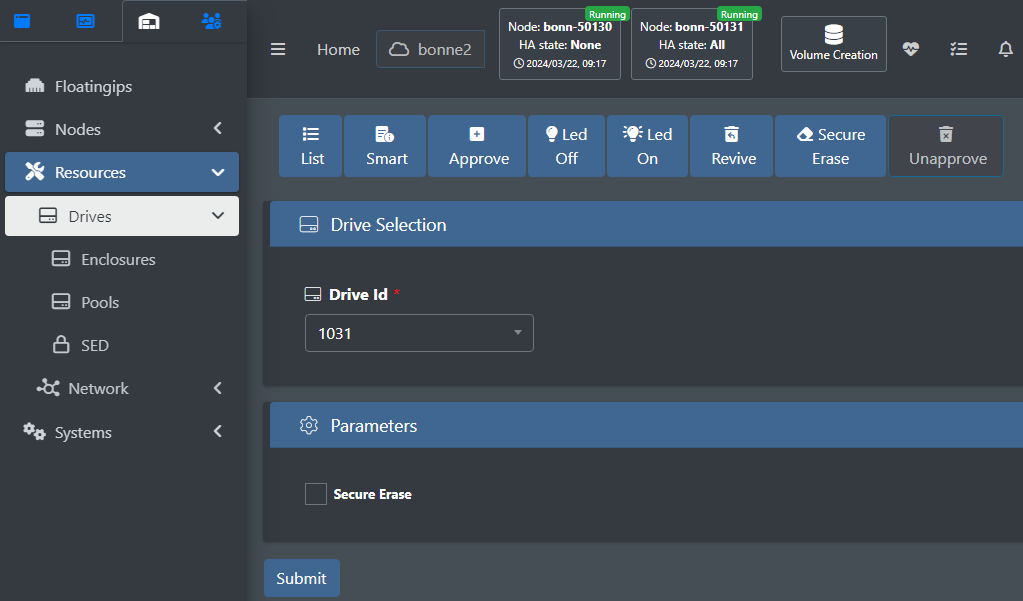
resources drive unapprove command:
resources drives unapprove --driveId=<numbers> [--force] [--secure_erase]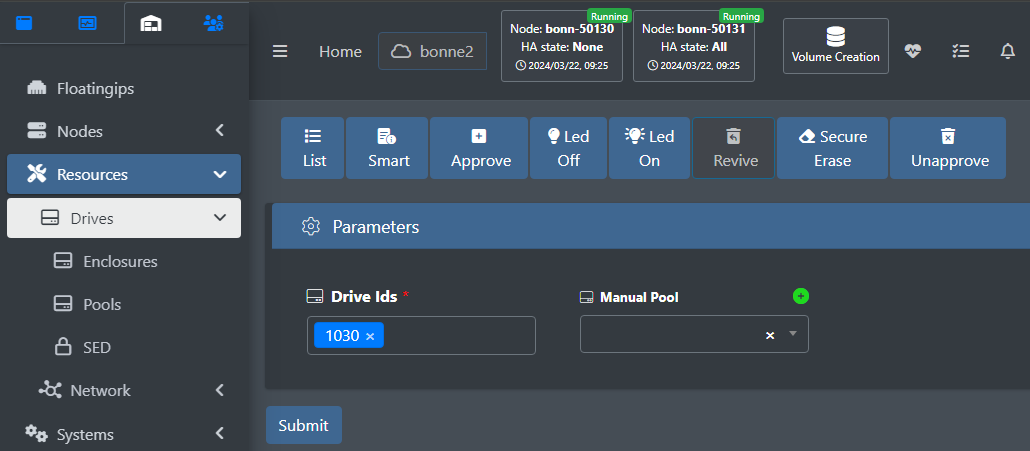
resources drives revive command:
resources drives revive --driveIds=<numbers...> [--manualPool=<name>]Improved support for drive LEDs, adopting a more generic approach that accommodates a broader range of drive enclosures.
Added recycle bin support for volumes. If enabled, volumes are moved to a recycle bin when deleted, until you remove the volume permanently or the time limit expires. The retention period is specified when you enable the recycle bin for the system.
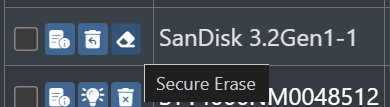
Added support for secure erase for drives. The StorONE system will use the strongest method supported by the drive.
New licensing mechanism: You can now add a license via the web GUI and view license data from the GUI/CLI.
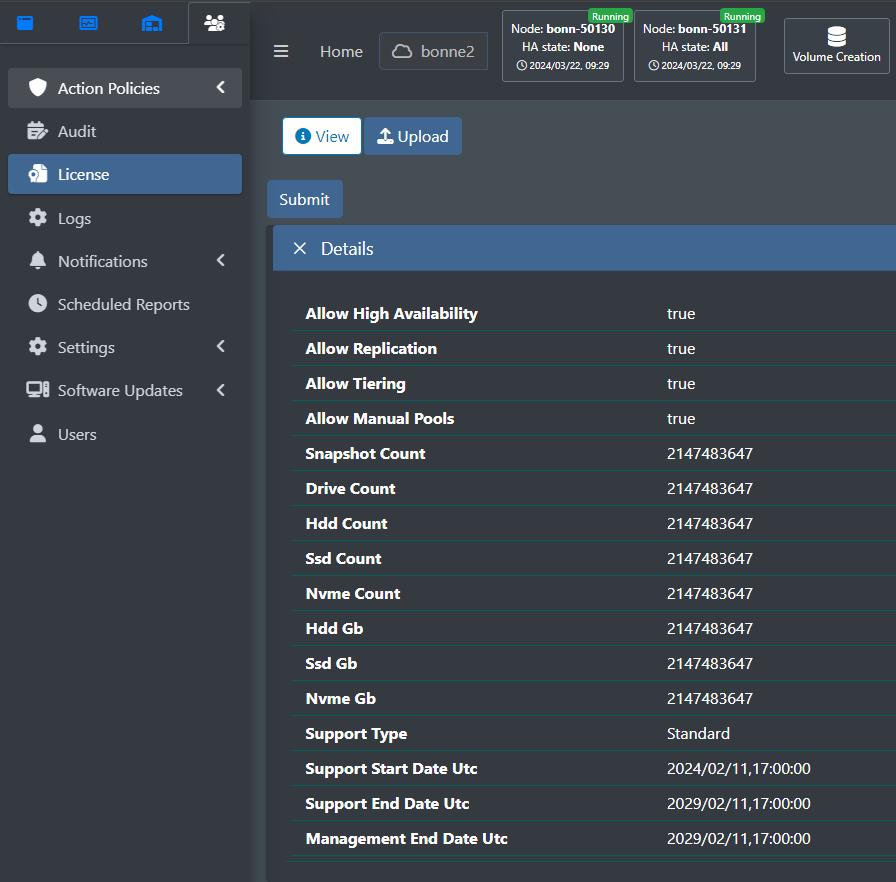
license upload --username=<name> --password=<password> --fileToUpload=<licenseUpload>Added support for administrators to upload and upgrade versions without requiring StorONE support personnel assistance.
Added the ability to store filesystem metadata on an SSD pool. NotThis is useful for large filesystems in an HDD pool to speed up metadata operations.
Contact StorONE Support for assistance enabling this feature.
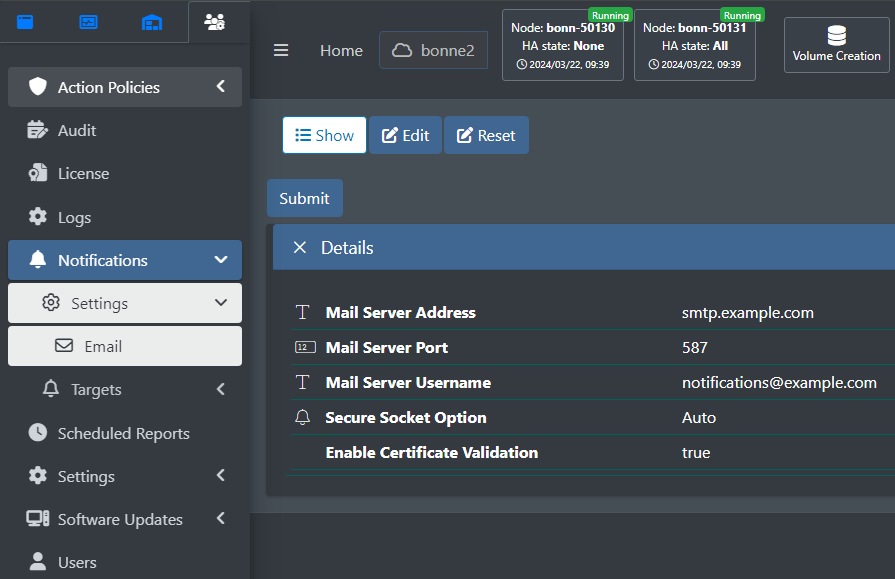
Floating IPs no longer require a 'Dummy' designation.
Auto-tiering
-
Improved system idleness determination to be based on specific drive pool utilization instead of general system performance.
-
Lower tier locks for evacuation are now HA-aware. Volumes running on different controller nodes
canwill not evacuate to the same lower tier pool simultaneously. This reduces resource contention and improves evacuation performance.
OmniUI (GUI, CLI, and REST API)
-
Multi-admin approval: you can require multiple administrators to approve critical configuration changes like volume deletions.
- In the web UI, under Administration > Action Policies > Create:
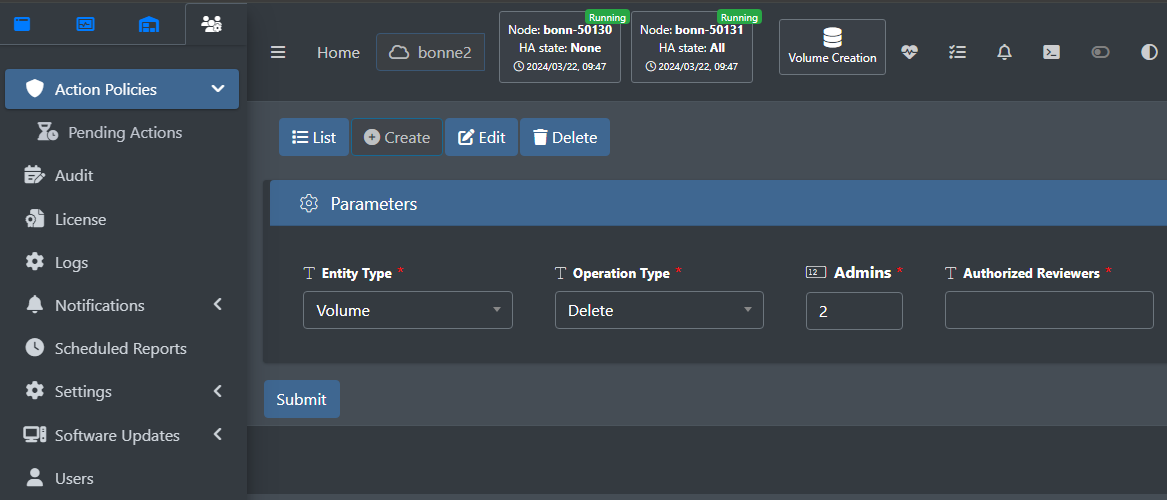
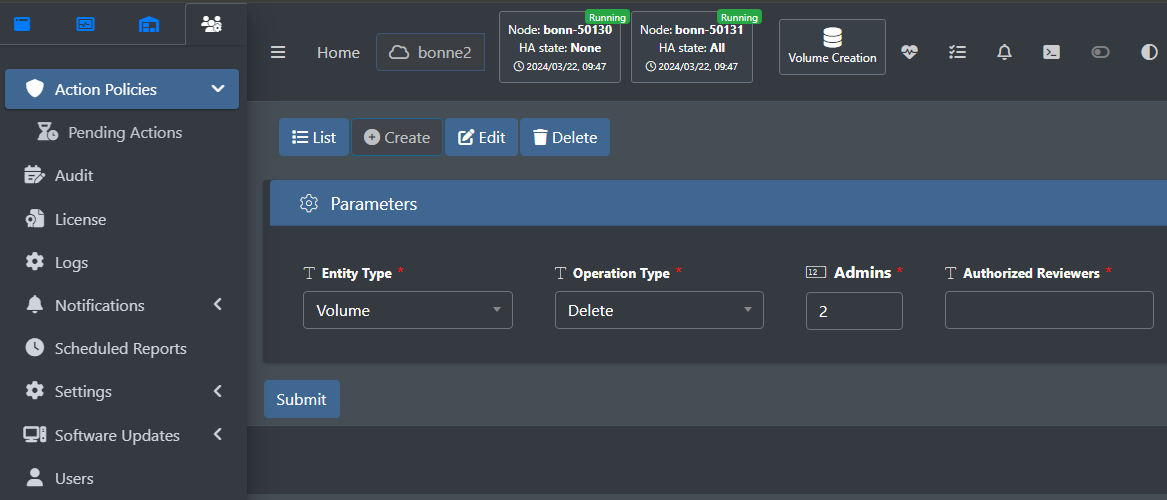
action_policies create:
action_policies create --entityType=<name> --operationType=<name> --admins=<numbers> --authorizedReviewers=<name...>Improved multi-factor authentication (MFA): only administrators can enable/disable MFA settings for other users. Also added support for automatic reconnection of MFA users after network disconnections.
Improved configuration history to not truncate long commands.commands, and to include which user initiated the command.
GUI
Improved host mapping deletions
Added more context-specific action shortcut buttons for listed elements in the GUI. For example, when you list volumes in the GUI, volume-specific action buttons, such as ‘Edit’ and ‘Delete’, are available. When you list drives, drives that support Secure Erase have a ‘Secure Erase’ button.button:
Replication
-
Replication witness settings can now be configured using the CLI or GUI, and you can view the replication witness log.
- TODO: Add screenshot, command example
Snapshots
-
Added support for distributed
blockVSSorsnapshotsfileon NFS volumes. - Takes an application-consistent snapshot for all specified VSS
snapshots.initiators
Improved snapshot deletion scheduler to always delete a single snapshot at a time, and to allow parallel snapshot deletions if the volumes reside on different controller nodes. This improves overall system performance and reduces resource contention.
Logging
-
Added an audit log for all user operations and configurations.
- TODO: Add screenshot
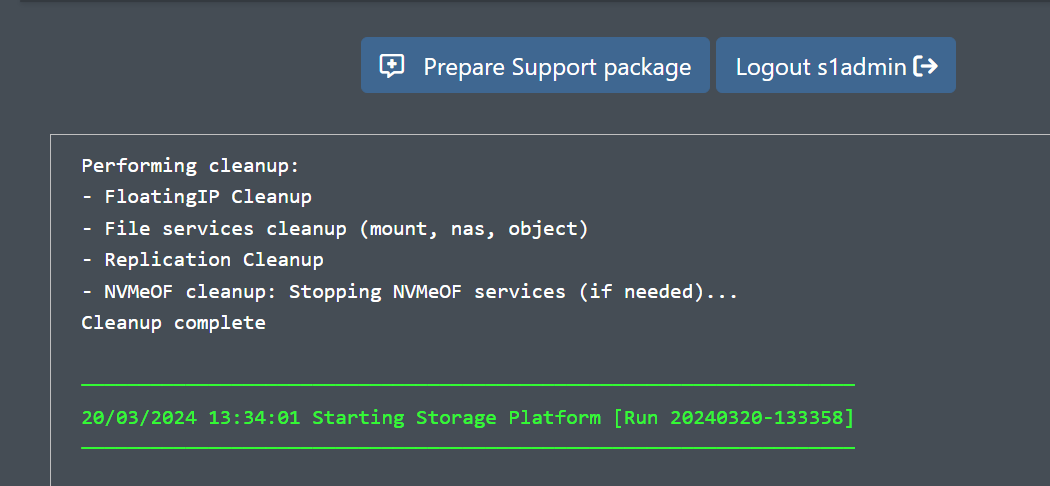
You can now view somethe system logsconsole log using the GUI or CLI.
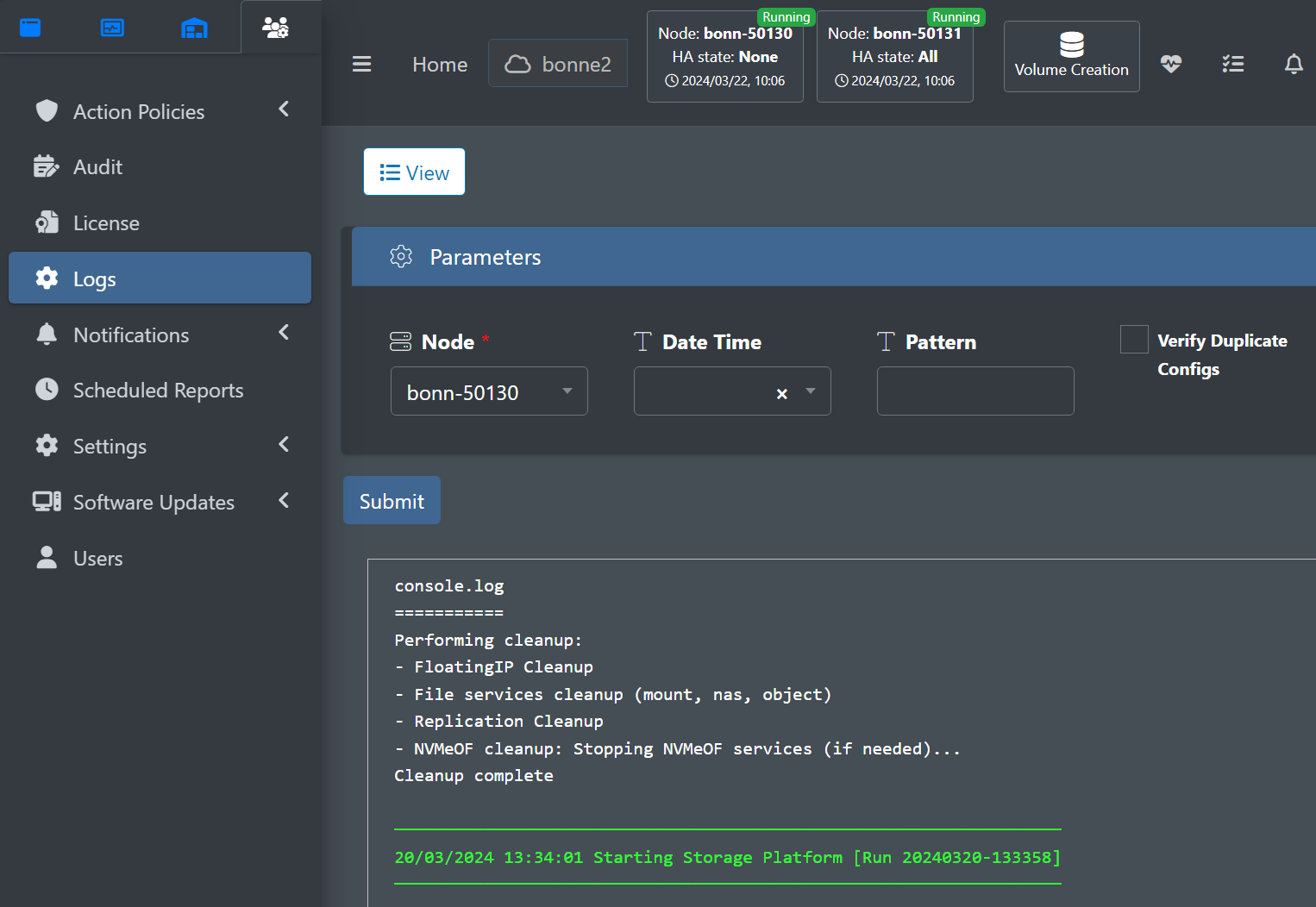
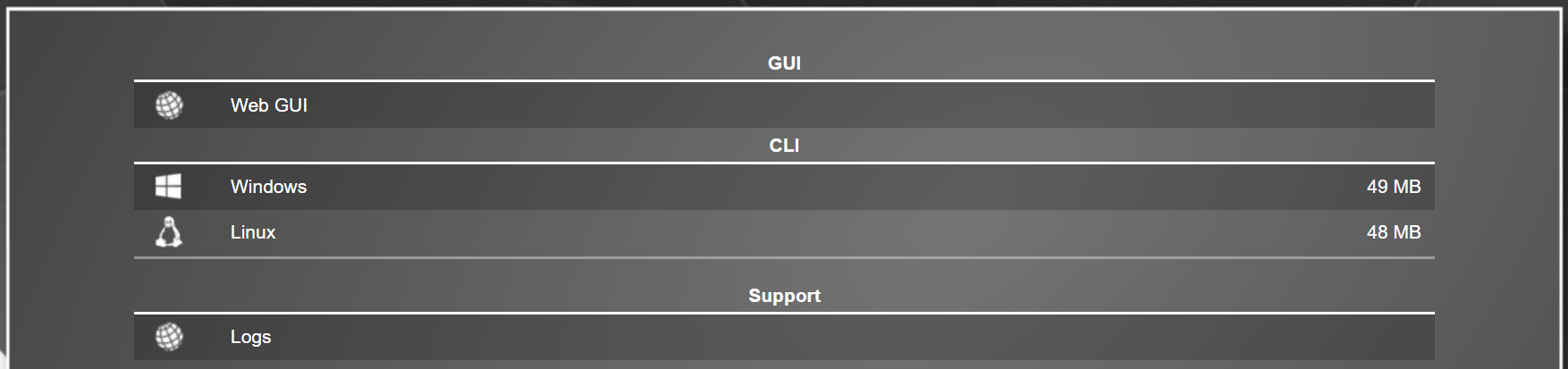
If the StorONE services are down but the web server is running, you can view the logs from the controller node's splash screen by navigating to the name or IP address of the controller node, and clicking Logs:
Fixed Issues
GUI
Fixed an issue preventing deleting host mappings using the web UI.
Snapshots
Fixed issues with distributed VSS snapshots to take application-consistent snapshot for all specified VSS initiators.
Behavior Changes
Logging
-
Evacuation messages have been removed from the console log.